 Connect to computerEnter the code shown in your browser


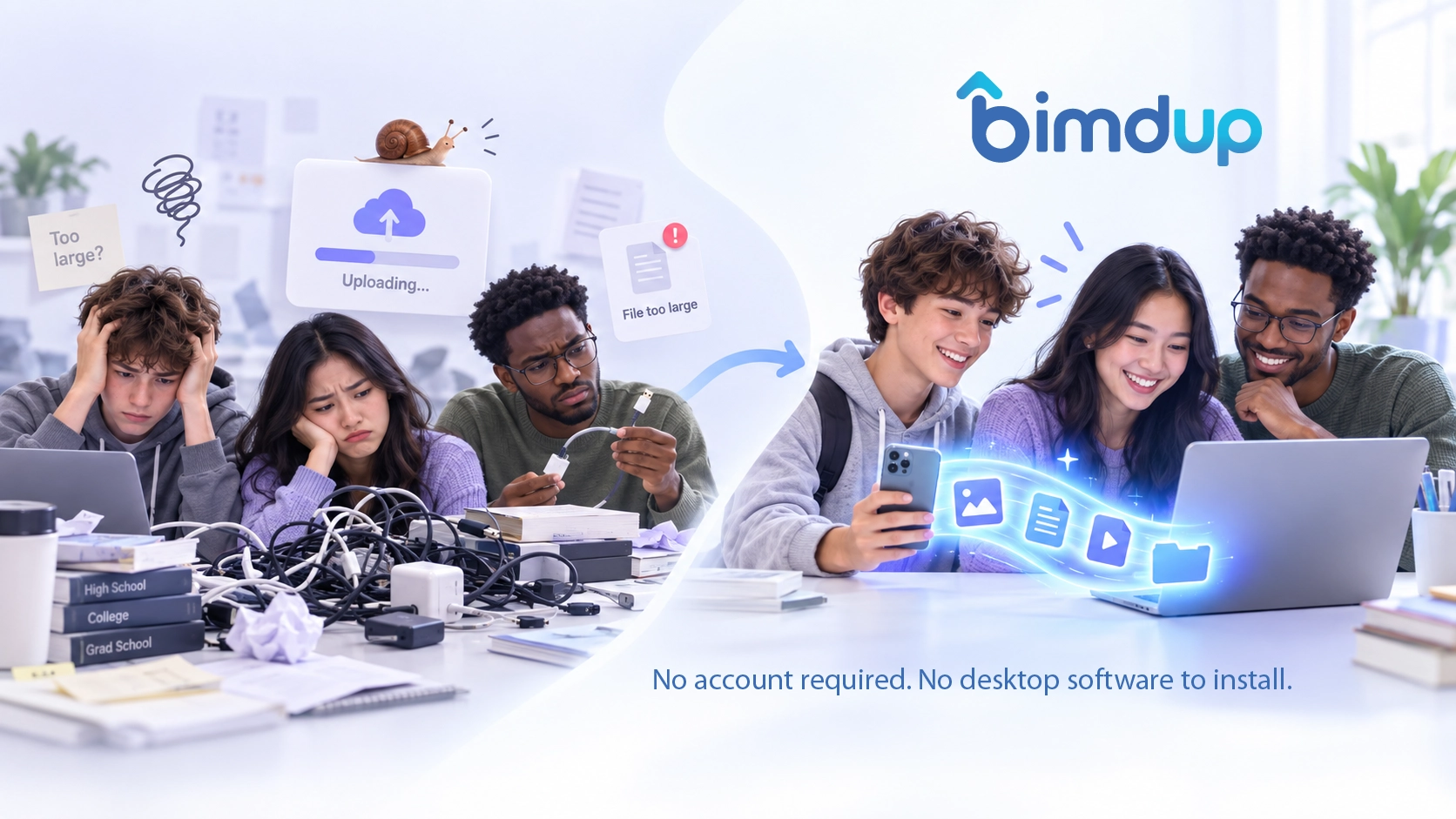
Cables get in the way
Dealing with USB cables, adapters, and drivers.

Direct file transfer between Android and computer
Transfer photos, videos, documents and more between your Android device and computer browser. No account required. No desktop software to install.
No sign-up. No permanent cloud storage.
Dealing with USB cables, adapters, and drivers.
Waiting for uploads and downloads to finish.
Size limits, extra steps, and messy attachments.
You don't want your files scattered across third-party services.
Open BimdUP in your browser and start a transfer.
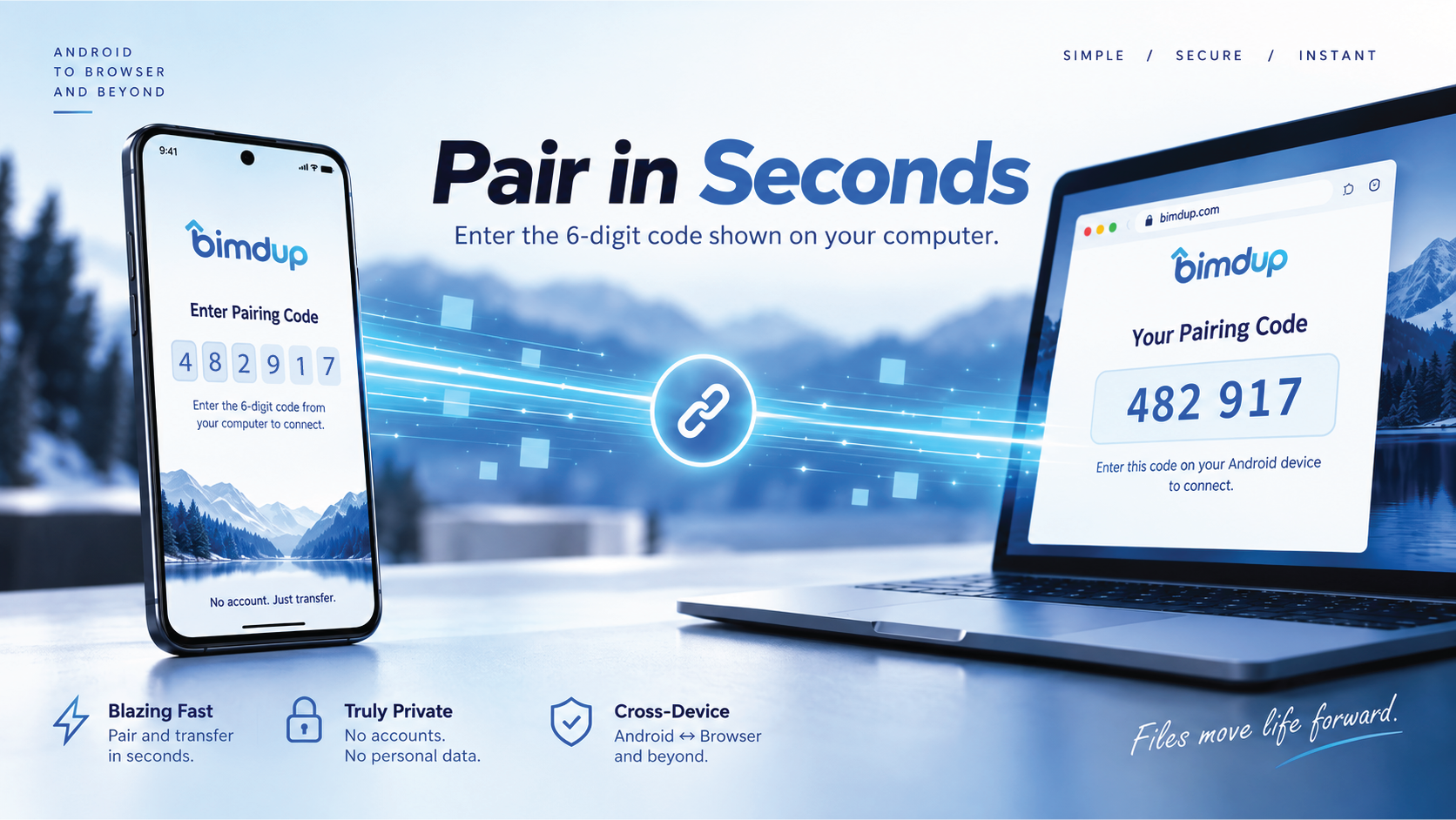
Open BimdUP on Android and enter the six-digit code shown on your computer.
Once connected, transfer files in either direction.
Direct device-to-device transfer when the network path allows it.
Photos, videos, documents, music, ZIPs and more.
Send files from phone to computer and back.
Works directly in your computer browser.
Enter a six-digit code to connect.
Use BimdUP in a modern desktop browser with WebRTC support.
No. Start in your computer browser, then pair with the Android app using the code shown.
No permanent cloud storage is used. Encrypted WebRTC traffic may pass through a relay when a direct path is unavailable.
Your computer browser creates and displays the six-digit code. Enter it on Android to pair.
Fast, straightforward transfer between Android and your computer.